
How to Redeem Find the Needle Codes
The exact in-game path, plus what to do when the box rejects a string.
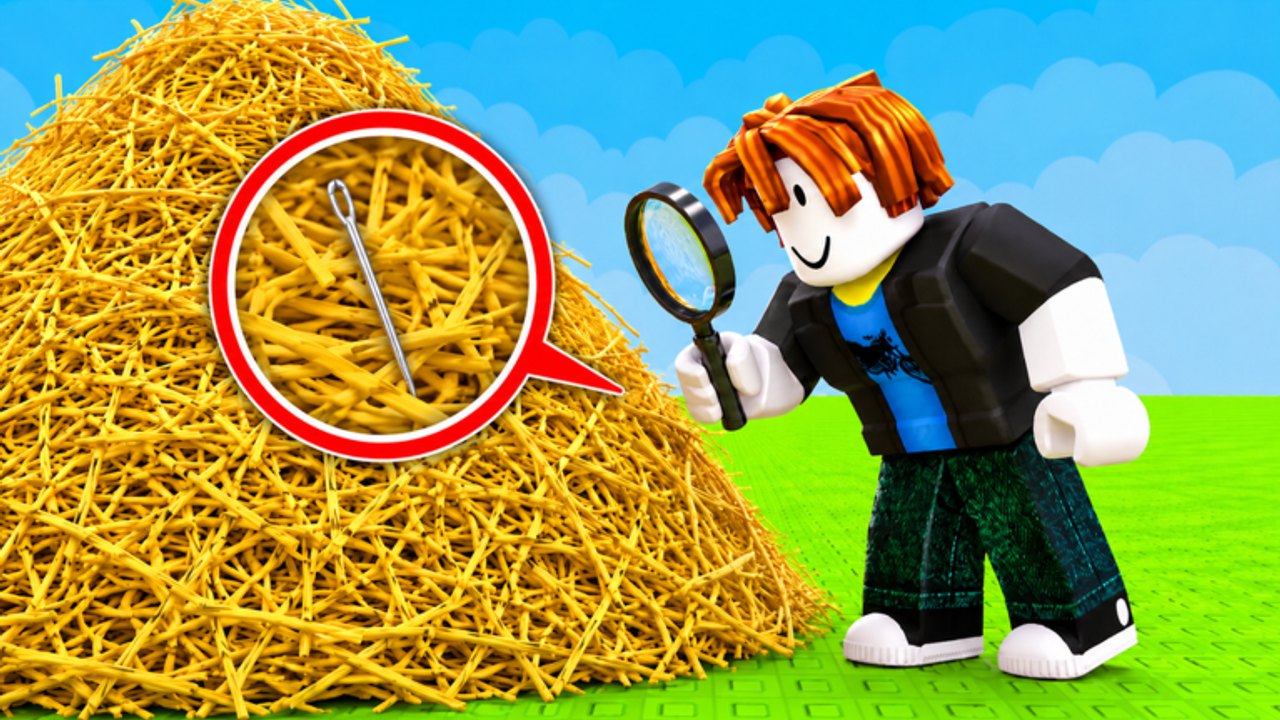
Redeeming a Find the Needle code is supposed to be a ten-second job. Players still burn valid keys because they type them in chat, paste them with a space, or hunt for a Twitter box that this game does not use. This page is the redemption walkthrough for the Roblox haystack experience by aarush’s fruit game. Pair it with the live list on the codes hub and the reward breakdown on code rewards.
There are no public working codes today. Learn the UI anyway so the first real wave does not expire while you screenshot the shop.
Before you open the box
- Spawn in Find the Needle on a normal public server (max 20 players).
- Wait until the hay field, sell stand, and upgrade shop have loaded. Redeeming during a teleport can drop the prompt.
- Copy the code from the codes hub rather than from memory. Case usually matters.
- Do not put the string in chat. Other players will snipe it and the game will not count it as a redeem.
If you are brand new, finish the first sell cycle in the getting started guide so you know which UI is the shop and which is the code box.
Step-by-step redemption
Haystack simulators on Roblox tend to hide codes behind a shop button, a Twitter bird, or a small “Codes” label near cash. Find the Needle follows that pattern:
- Look at the left or top of the HUD for a shop, gift, or Twitter-style button.
- Open it and switch to the Codes tab if the shop has more than one panel.
- Paste the key with no extra spaces.
- Press Redeem / Claim.
- Check cash, hay, or inventory immediately. If nothing moves, the key is expired, mistyped, or already used on that account.
If you cannot find a Codes tab at all, that matches the current build: the developer has not shipped a public wave yet. Do not install an executor “just to redeem.” That path is how accounts get banned. Scripts belong on the scripts hub, not on this page.
Errors you will see
| Message or symptom | What it usually means | What to do |
|---|---|---|
| Invalid / Unknown | Typo, extra space, or a fake list | Recopy from the codes hub |
| Already redeemed | This account used it | Stop; codes are one per account |
| Expired | Wave already closed | Move it mentally to the expired table |
| No button | Feature not live yet | Keep farming; check updates |
| Nothing happens | UI desync | Rejoin the server and try once |
Never redeem on a private server you do not control if the game later gates codes to the owner’s session. Public servers are the safe default.
After a successful redeem
Spend the cash the same way you would spend farmed cash. The early-game tier list wants grab speed and capacity first. Bombs come next if you are already in the pile — see how to win faster. Do not sit on the gift hoping a better shop row appears; the needle does not wait.
If the reward was hay instead of cash, sell it immediately unless you are one grab away from a needle lane. Backpack overflow is a silent way to waste a code.
Group, likes, and “join for codes”
The game page says to like the experience and join the group for updates. That is aarush’s fruit game. Joining does not automatically dump a key into your inventory. It only puts you on the shout list. Some Roblox games later require group membership before a code works. If that lock appears, this page will say so. Until then, joining is optional for redemption and useful for news.
More official URLs live on the links hub. Community timing for gifts after patches is tracked on what’s new.
Mobile, console, and PC notes
On mobile, the code box is easy to miss behind the jump button. Rotate to landscape if the shop clips. On console, you may need to highlight a text field with the virtual keyboard — paste is not always available, so type carefully. PC players should paste, not retype, especially for mixed-case keys.
Controls for movement and selling are on the controls page. Redemption never uses the hay grab bind.
When a real code drops, redeem first, farm second. Then come back to this page only if the box rejects the string.
Frequently Asked Questions
Quick answers to the most common questions.
Where is the code box in Find the Needle?
Look for a shop, gift, or Twitter-style button on the HUD. If no Codes tab exists, a public wave has not shipped yet.
Can I redeem a code in chat?
No. Chat does not grant rewards and other players will copy the key. Use the in-game redeem field only.
Why does it say invalid?
Typo, extra space, expired wave, or a fake list. Recopy from the codes hub and try once on a fresh server.
Do I need to join the group to redeem?
Not right now. Join [aarush's fruit game](https://www.roblox.com/communities/823798692) for shouts, not because redemption is locked.