
Find the Needle on Mobile
Same million-hay pile, smaller screen — how to grab, sell, and search without a mouse.
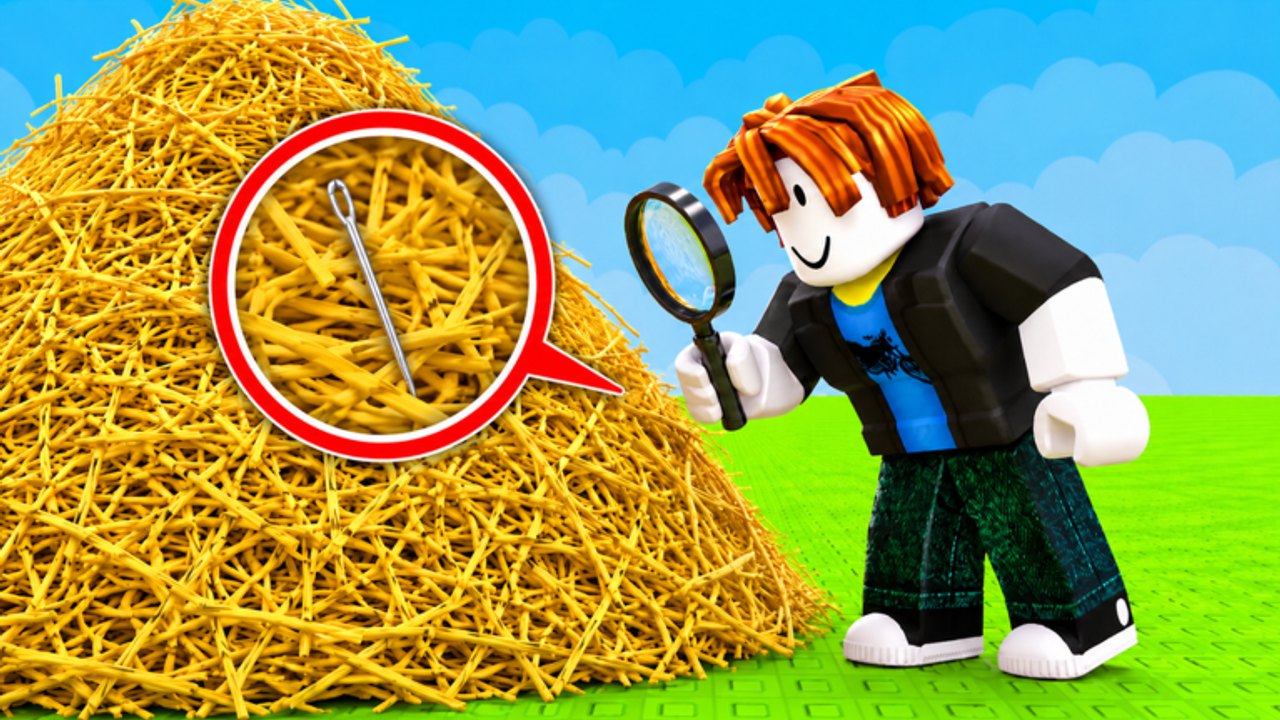
Find the Needle runs on Roblox for phones and tablets. The pile is still 1,000,000 hay. The needle is still one silver object. Your thumbs are just worse at panning than a mouse. This page is the mobile-specific layer on top of getting started and controls. It does not replace how to find the needle. It stops you from fighting the HUD.
The experience is the same place ID on every device: 83238501165241. Progress is the Roblox account, not the phone.
First settings that matter
- Rotate to landscape. Portrait clips the shop over the jump button. That is how people jump instead of selling, and how a future Codes tab will hide.
- Lower graphics only until the frame rate stops stuttering. Mud-low lighting erases the silver silhouette. Search needs edges.
- Turn off any click-to-move leftover from a PC session on the same account if it fights the joystick.
- Raise camera sensitivity until a thumb drag pans a lane without overshooting.
If grab never fires, you are usually too far, a menu is focused, or the prompt is under a thumb. Rejoin once. Desync is common on busy 20-player servers. Server tips still apply on mobile.
Touch loop: grab, sell, shop
Stand close. Tap the interact prompt, do not tap random straw from three body-lengths away. Fill the pack, walk to the sell pad, confirm cash ticked, open the shop with the HUD icon (often top or left). Buy order does not change because you are on a phone: speed, capacity, bombs. Tick it on the upgrade planner.
Thumbs make sell trips feel longer. Capacity upgrades matter more on mobile than walk speed. Walk speed is still B-tier on the tier list hub. Do not buy it first just because walking feels clumsy.
Searching on a small screen
Zoom out enough to see a body-width of straw, then pinch in when something looks cool-colored. Third-person is enough. First-person on a phone in a hay field is a nausea machine and does not help you spot a needle.
After a bomb, put the device in two hands and pan the crater walls. Do not keep auto-running. The pause after a blast is even more important when the screen is six inches wide. Bomb method is on how to use bombs.
Shift lock does not exist the same way. Use a slow drag. If your thumbs cover the pile, raise the camera.
Battery, heat, and AFK
A million-hay round on a hot phone will thermal-throttle and hide metal in blur. Take breaks. Anti-AFK scripts that jiggle the character still risk a ban and still miss a payout if someone else finds the needle. Fair AFK advice is on how to farm hay: a short break beats a ghost.
Mobile-friendly script ads exist. They are still executors. The catalog is the scripts hub. If the account matters, stay on this page.
Codes and the virtual keyboard
There are still no public working keys. When a wave ships, mobile redemption is painful: the text field fights the HUD. Landscape, paste if the OS allows it, otherwise type slowly. How to redeem codes is the UI path. Do not type a key into chat.
Friends on the train
You can queue with friends on mobile the same as PC. Split faces of the pile. One needle. Play with friends covers the social layer. Do not stack five phones on one wall.
Mobile is a worse camera, not a different game. Sell, buy, bomb, pan. Then hop if the pile is dead.
Frequently Asked Questions
Quick answers to the most common questions.
Can I play Find the Needle on a phone?
Yes. Same Roblox place and account. Use landscape and keep graphics high enough to see metal.
Why can't I grab hay on mobile?
You are too far, a menu is open, or the prompt is under your thumb. Stand closer and rejoin if it stays dead.
Should I lower graphics all the way?
No. Stutter is bad, but mud-low lighting hides the needle. Find a middle.
Is mobile slower than PC?
Usually, because panning is worse. Compensate with capacity upgrades and the bomb pause on how to use bombs.