
Find the Needle Controls
Every bind that matters on the hay field, plus what to do when grab does nothing.
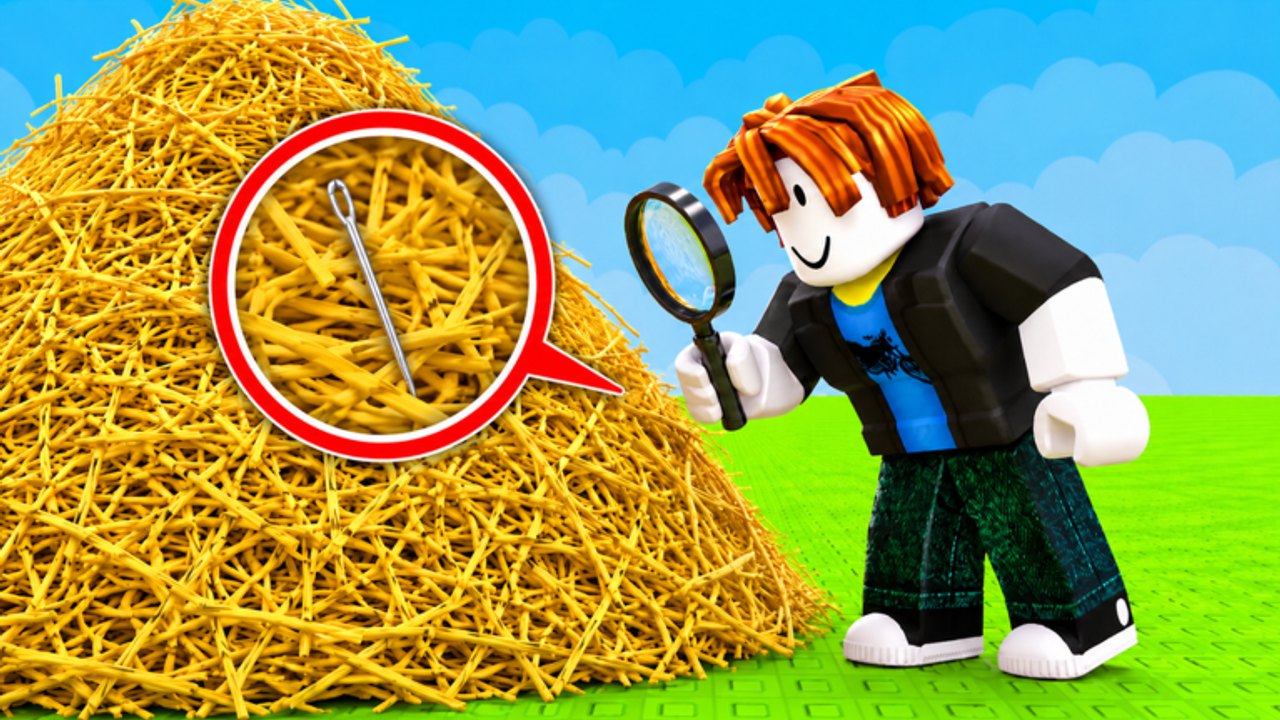
Find the Needle uses standard Roblox movement plus a few prompts that are easy to miss in a yellow field. This page is the control reference for PC, mobile, and console. It does not replace the getting started guide; it is the sheet you open when a button does not fire. Shop order stays on the upgrade tier list. Search method stays on how to find the needle.
The experience is R15 and runs on Roblox for PC, phone, tablet, and console. There is no unique “needle minigame” bind. If grab fails, you are usually looking at a UI overlap, not a secret key.
PC keyboard and mouse
| Action | Typical bind |
|---|---|
| Move | WASD |
| Jump | Space |
| Camera | Right mouse drag / mouse look |
| Grab hay | Left click or ProximityPrompt (often E) |
| Sell hay | Walk onto the sell pad or press the sell prompt |
| Open shop | HUD button (mouse click) |
| Open codes (when live) | Shop tab or gift / Twitter-style button |
| Shift lock | Shift (if enabled in Roblox settings) |
Shift lock helps when you want a stable camera while strafing a lane. It is optional. For searching, a slow mouse pan beats a spinning shift-lock sprint.
If click-to-grab fights with click-to-move, disable click-to-move in Roblox settings. That setting is the number one reason new PC players “cannot pick hay.”
Mobile
| Action | Typical control |
|---|---|
| Move | Left thumb stick |
| Jump | Jump button |
| Camera | Right-side drag |
| Grab hay | On-screen prompt or tap the straw |
| Shop | HUD icon, often top or left |
Rotate to landscape. Portrait clips the shop over the jump button, which is how people accidentally jump instead of redeeming a future code. See how to redeem codes when a wave exists.
Lower graphics if the pile tanks your frame rate, but not so low that silver metal disappears. Search needs edges.
Console
| Action | Typical control |
|---|---|
| Move | Left stick |
| Camera | Right stick |
| Jump | A / Cross |
| Grab / confirm prompt | X / Square or the on-screen button |
| UI | D-pad / right stick to highlight HUD |
Text fields for codes are painful on a controller. If a code drops, it may be faster to redeem on phone or PC, then continue the hunt on console. Codes are still listed on the codes hub.
Camera settings that help the hunt
- Increase camera sensitivity until you can pan a lane without overshooting.
- Zoom out enough to see a body-width of straw, then zoom in when something looks cool-colored.
- Avoid first-person if it makes you nauseous in the pile; third-person is enough to spot a needle silhouette.
- Lock the camera when bombing so you see the crater walls. Bomb method is in how to win faster.
When nothing works
- Rejoin the server. Prompts desync.
- Check you are close enough to hay. The interact radius is short.
- Make sure you are not in a menu. Shop focus eats clicks.
- Confirm this is place 83238501165241, not a clone with different tools.
- If you used an executor, noclip and fly can put you inside geometry where prompts never fire. That is a scripts problem, not a bind problem.
Movement practice belongs in your first sell loop, not during a needle panic. Learn the pad location once, then stop thinking about it. How to farm hay assumes these binds already work.
Official links and the group are on the links hub. Controls will only change if a patch adds a new tool — watch updates.
Frequently Asked Questions
Quick answers to the most common questions.
Why can't I pick up hay?
You are too far, a menu is focused, or click-to-move is stealing the click. Rejoin and stand closer.
What key sells hay?
Usually a pad you walk onto, not a unique key. Watch cash, not the keyboard.
Is there a finder hotkey?
No fair-play highlight bind. Search with the camera or read how to find the needle.
Do mobile and PC share progress?
Yes, it is the same Roblox account and the same place.