
Find the Needle Troubleshooting
Fix what breaks mid-hunt — lag, desync, missing prompts, and performance on full servers.
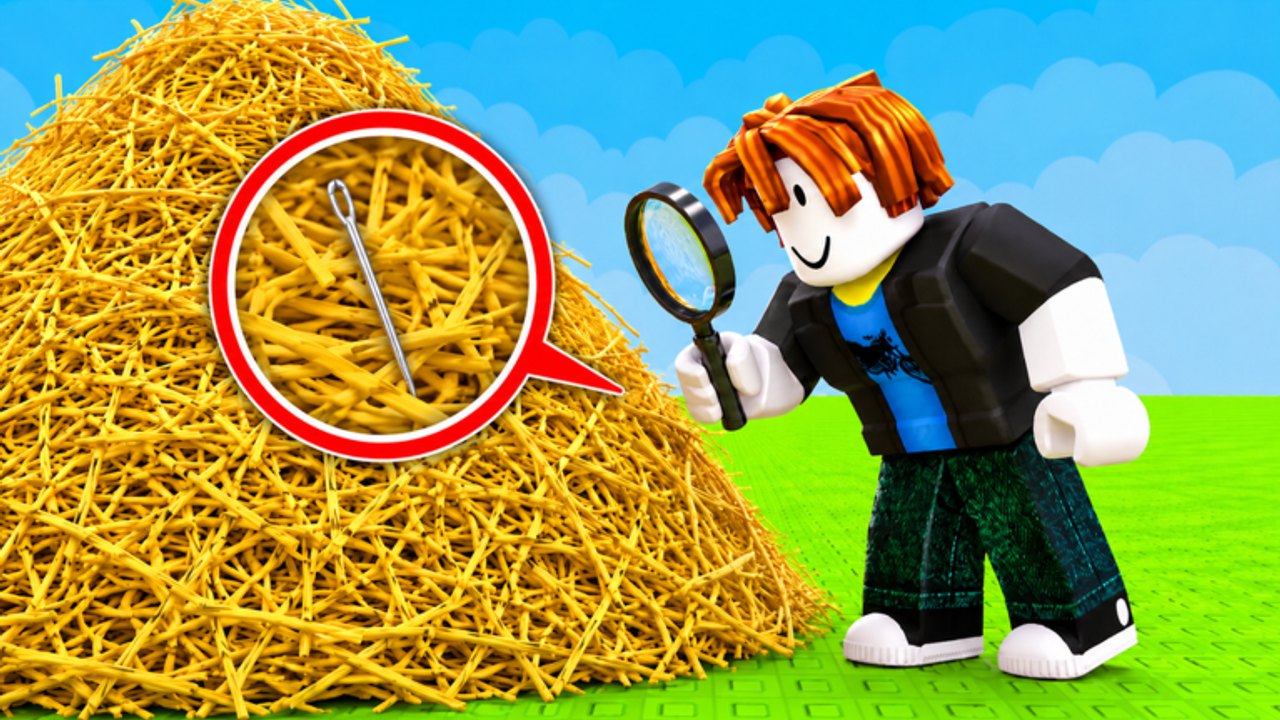
Find the Needle runs on Roblox across PC, mobile, and console. Problems appear: lag spikes when the server fills, prompts stop firing, the sell pad ignores you, or the frame rate drops into mud on a 20-player pile. This page is the fix list. For controls, see controls. For server judgment, see server tips.
Grab prompt not firing
The number one support question in hay games. Before you blame the game:
- Rejoin the server. Prompts desync constantly on busy instances.
- Stand closer. The interact radius is short. If you are one body-length away, step in.
- Check you are not in a menu or shop overlay. UI focus blocks world prompts.
- Disable click-to-move in Roblox settings. It intercepts left-click and prevents grab.
- Confirm this is place 83238501165241. Clones have different prompt timings.
If none of those work, it is a genuine desync. Rejoin once more. If it persists across three rejoins, file a report through Roblox.
Sell pad not responding
- Walk fully onto the pad. Some pads require the character center to be on the geometry.
- Check your backpack. Empty packs may show no sell animation.
- Confirm you are not in a menu.
- Try a different pad location if the game has multiple.
- Rejoin if the pad is genuinely stuck — it happens after patches.
Lag and frame drops on busy servers
The hay pile is 1,000,000 individual objects. When 20 players are grabbing and bombs are detonating, the client renders all of it.
Fixes in order:
- Lower shadow quality first. Shadows on volumetric straw are expensive.
- Lower overall graphics to a point where metal is still visible.
- Close background tabs in Roblox or browser if running alongside.
- On mobile, limit background apps. Thermal throttling accelerates frame loss.
- If a specific server is the problem, hop with server tips.
Do not set graphics to minimum. Mud-low lighting hides the silver needle silhouette. Find the point where the frame rate is stable but metal still has edges.
Camera and rendering issues
- Skybox appearing washed out: raise lighting above minimum; midday sky washes silver into yellow
- Needle invisible at any graphics level: the needle may not be streamed in yet, or you are looking at a crater wall, not the floor
- Camera snapping during search: reduce camera sensitivity in Roblox settings; slow pans catch more
Connection and disconnect issues
- Roblox kick during idle: enable the in-game Anti AFK setting, or take a short break
- Disconnect during a round: rejoining usually puts you in a new server; the old pile is gone
- Code redeem failing after reconnect: the code may have been consumed or the server state reset
- Consistent disconnects on a specific server: try a different instance or region
After a studio update
Patches can move object names, change prompt timings, or shift pad locations. If grab or sell felt different after a timestamp on updates:
- Rejoin once to pick up the new client build.
- Run one short farm and confirm the cash number looks normal.
- If prompts still feel wrong after a clean rejoin, check updates for a note.
Mobile-specific issues
- Shop blocking the jump button: rotate to landscape
- Touch grab fighting with joystick: stand still and tap the prompt, do not hold move and tap simultaneously
- Thermal throttling after 20+ minutes: take a break; a hot phone hides the needle in blur
- Virtual keyboard covering the code box: rotate landscape or use paste if your OS clipboard works in Roblox
What this page does not fix
Executor-related bugs. If noclip put your character inside geometry or fly disabled prompts, that is a scripts issue. Rejoin without the executor to confirm the base game works. Scripts that auto-path to the sell pad can also desync your position from the server’s idea of where you are.
The scripts hub documents those failure modes. This page assumes you are playing the intended game.
Frequently Asked Questions
Quick answers to the most common questions.
Why does grab never fire even when I am standing in hay?
Rejoin first. If it persists, disable click-to-move, stand closer, and confirm you are not in a menu.
Why is my frame rate so low on a full server?
Lower shadow quality first. 1,000,000 hay objects plus 20 players is GPU-heavy. Find the lighting balance before you go to minimum.
The sell pad is not working. What do I do?
Walk fully onto it, confirm your pack has hay, and rejoin once if it stays stuck.
Do executors cause these problems?
Yes. Noclip, fly, and auto-path scripts commonly desync prompts and positions. Rejoin without them to confirm.